One line10 words
Teemeup is your AI caddie for booking the perfect round.
Official Teemeup brand assets: approved descriptions, app screens, logos, colour, type and how to write about the app. Copy what you need or download the files.
Approved descriptions in three lengths. Use them as written; the word count helps you pick one that fits.
Teemeup is your AI caddie for booking the perfect round.
Teemeup is an AI golf caddie on your phone. Ask Bob, by voice or text, to find a tee time near you, book it, and keep track of your rounds.
Teemeup is an AI golf caddie that lives on your phone. Instead of digging through booking sites, golfers just ask Bob, their golf assistant, by voice or by text: "Find tee times near me for tomorrow morning." Bob finds open tee times nearby, books the one you want, and keeps your upcoming bookings and past rounds in one place, so planning the next game takes a sentence instead of a search.
Real screens from the Teemeup app and our websites. Names, bookings and scores are demo data.
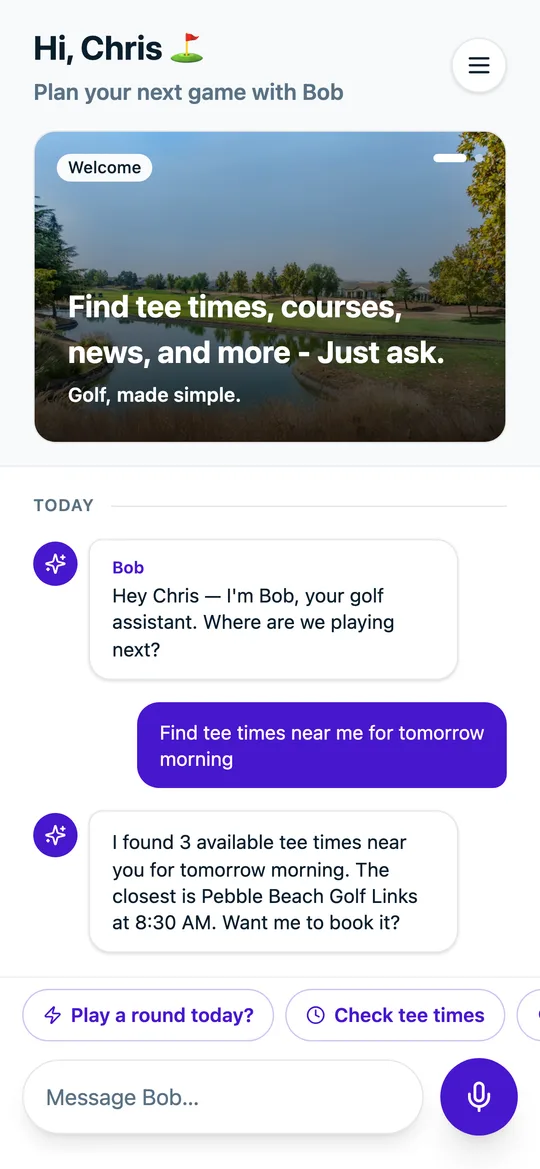
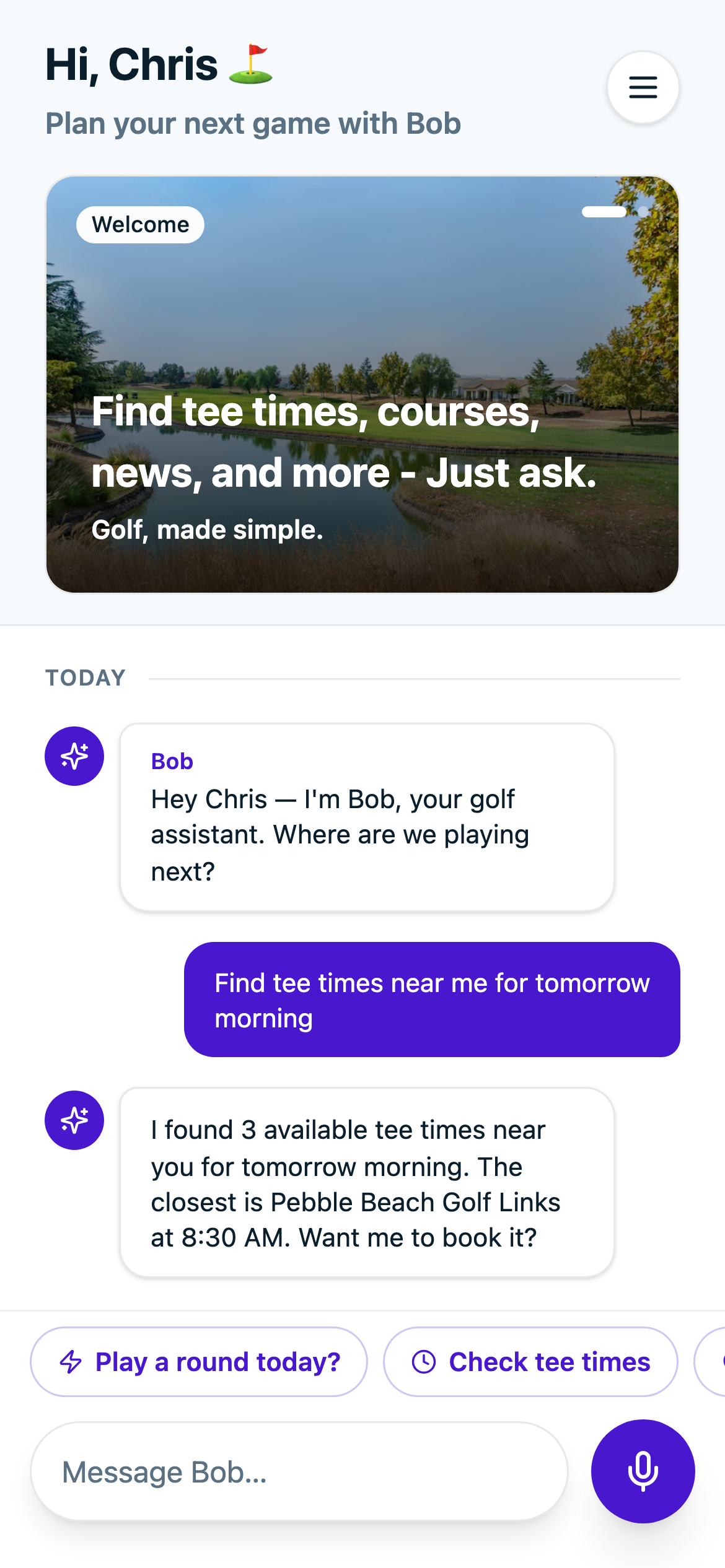
Home with Bob
Ask by voice or text
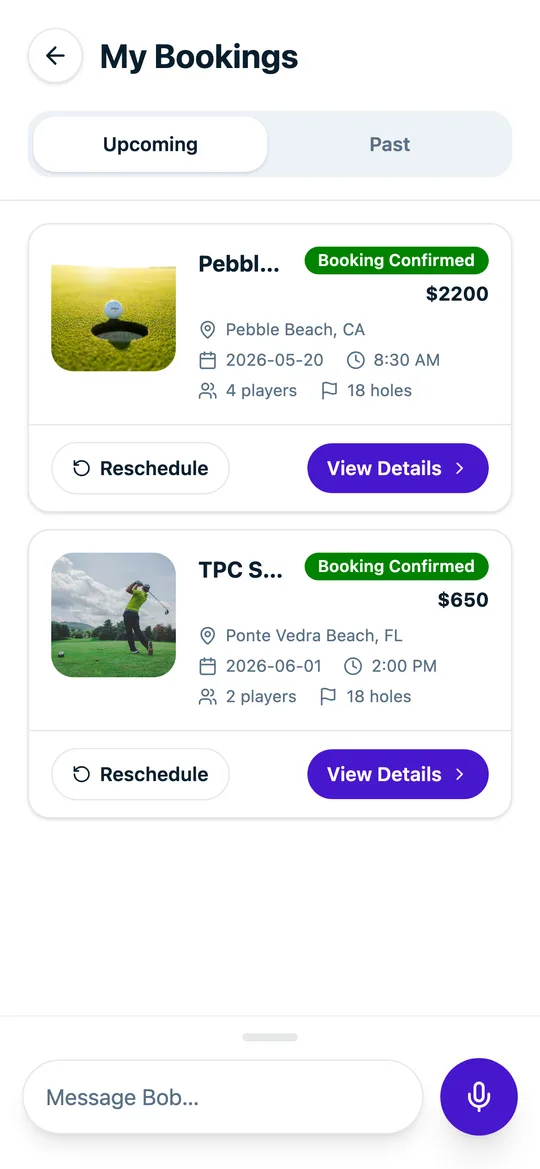
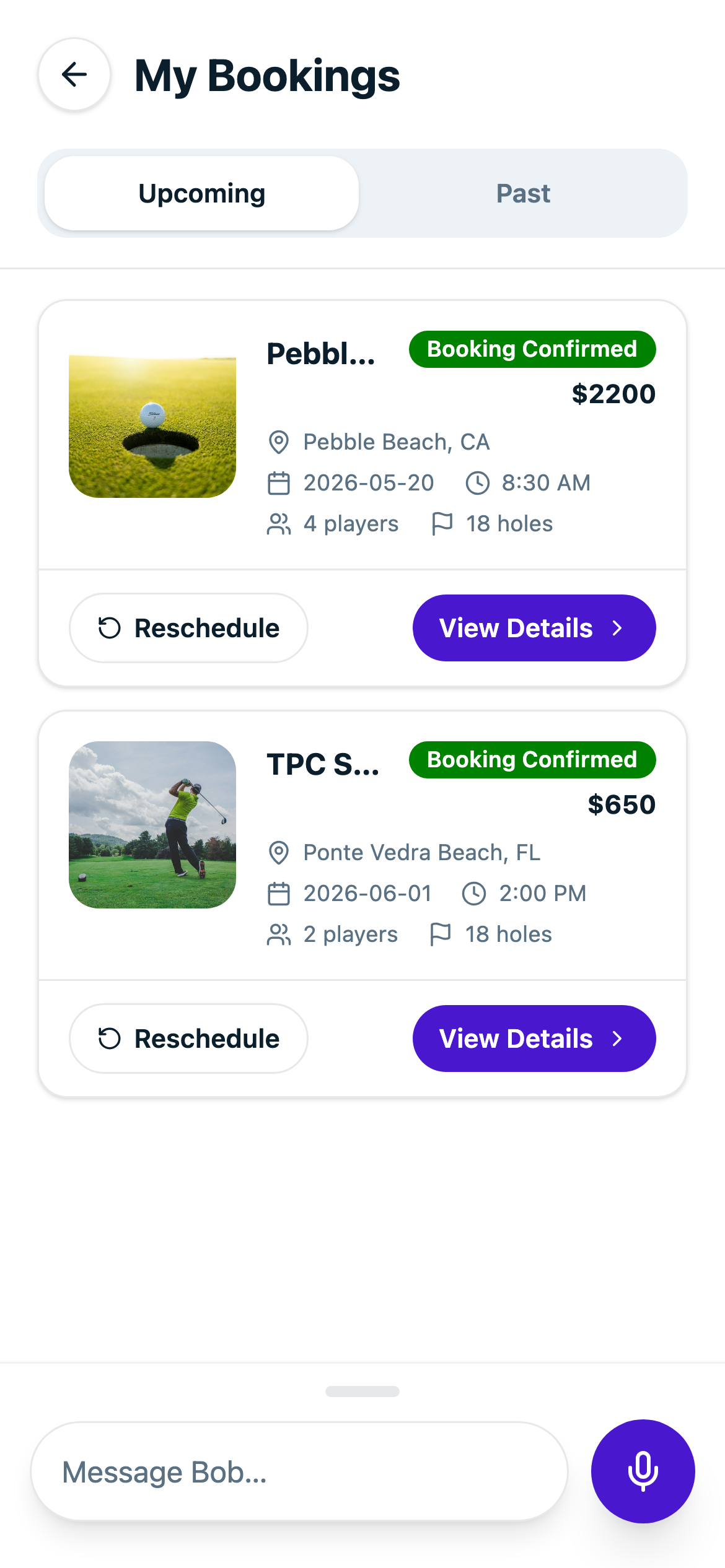
My Bookings
Upcoming rounds, confirmed

Welcome
First screen of sign-up
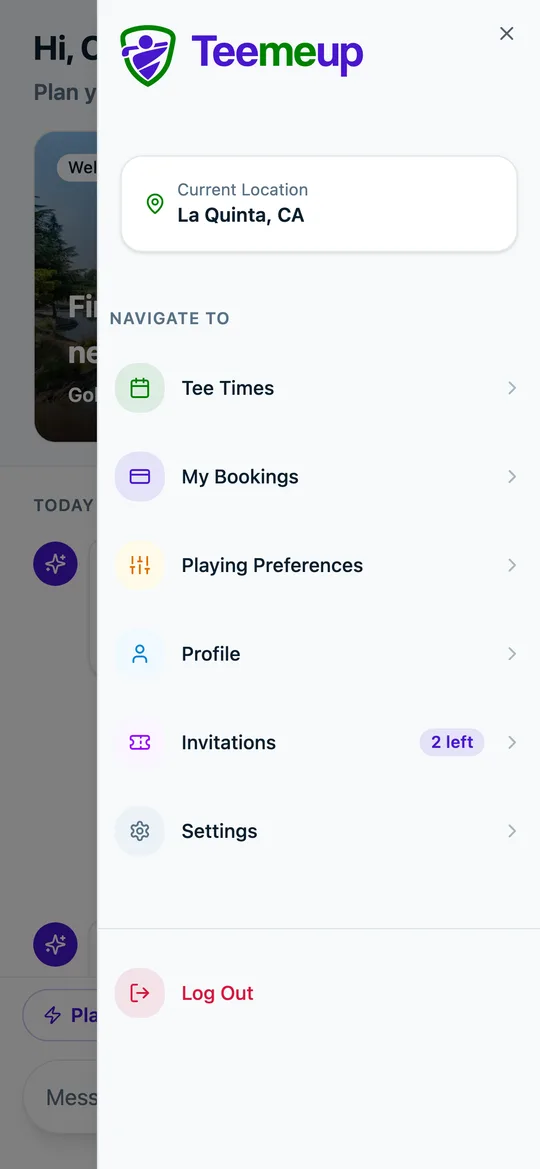
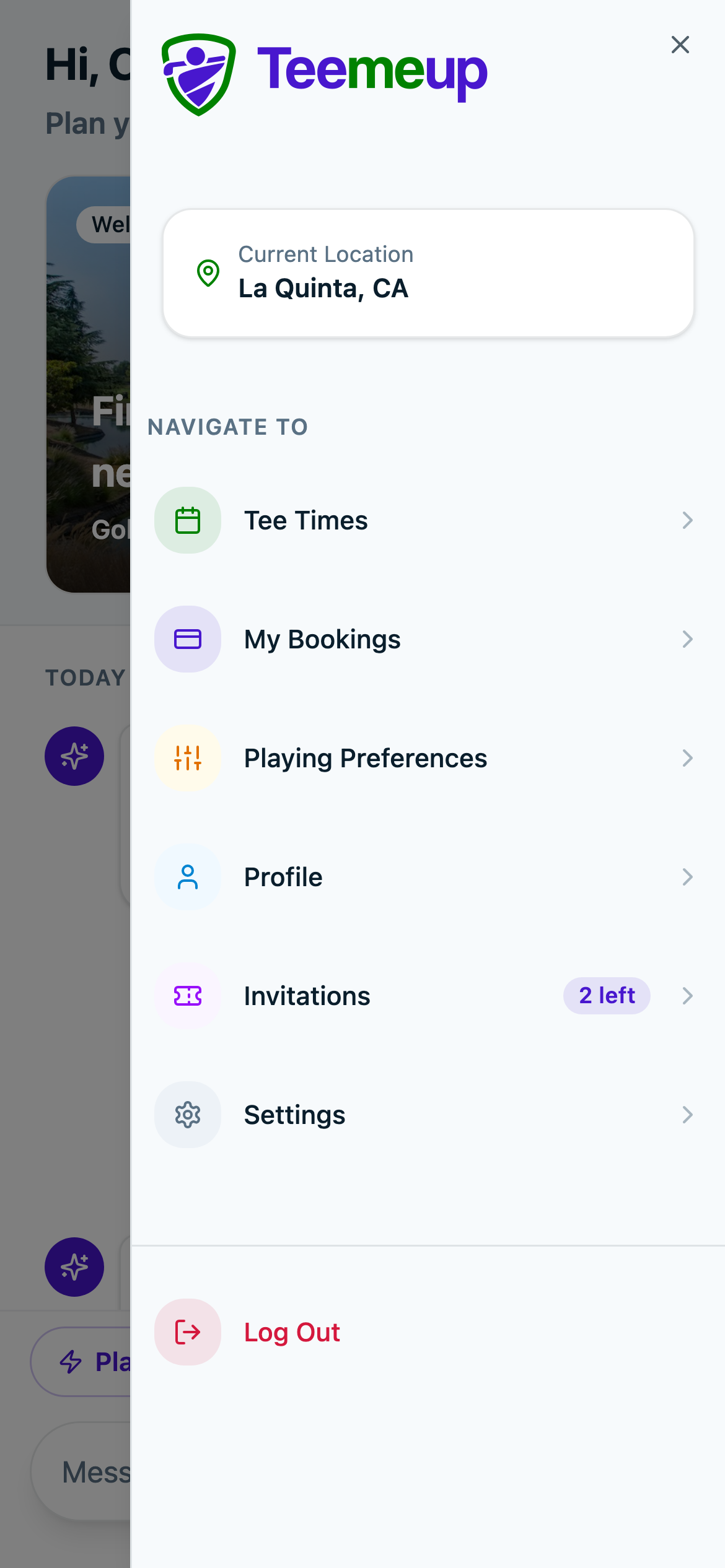
Menu
Everything else in the app
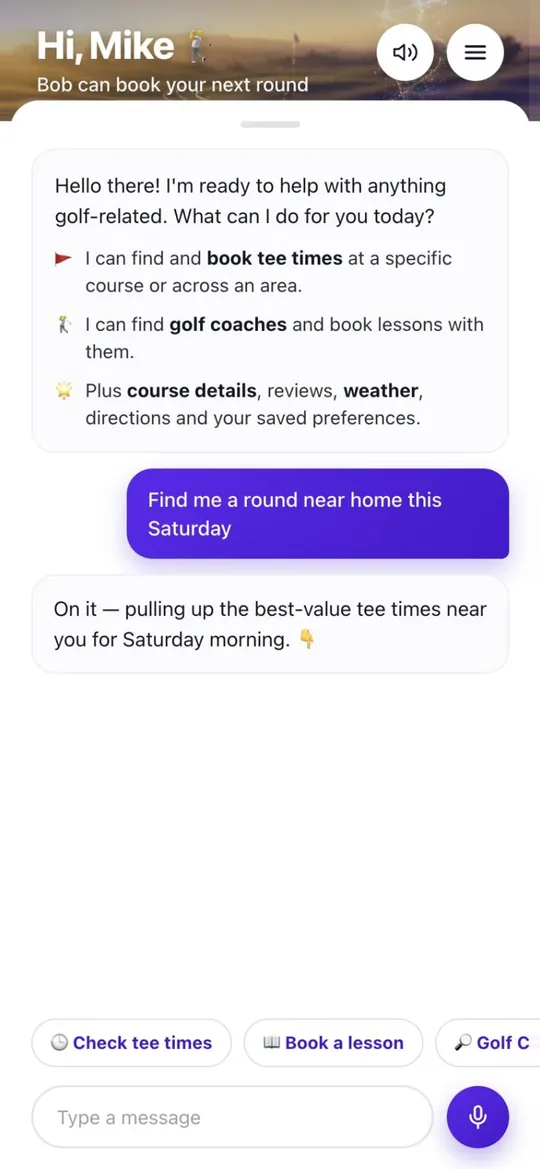
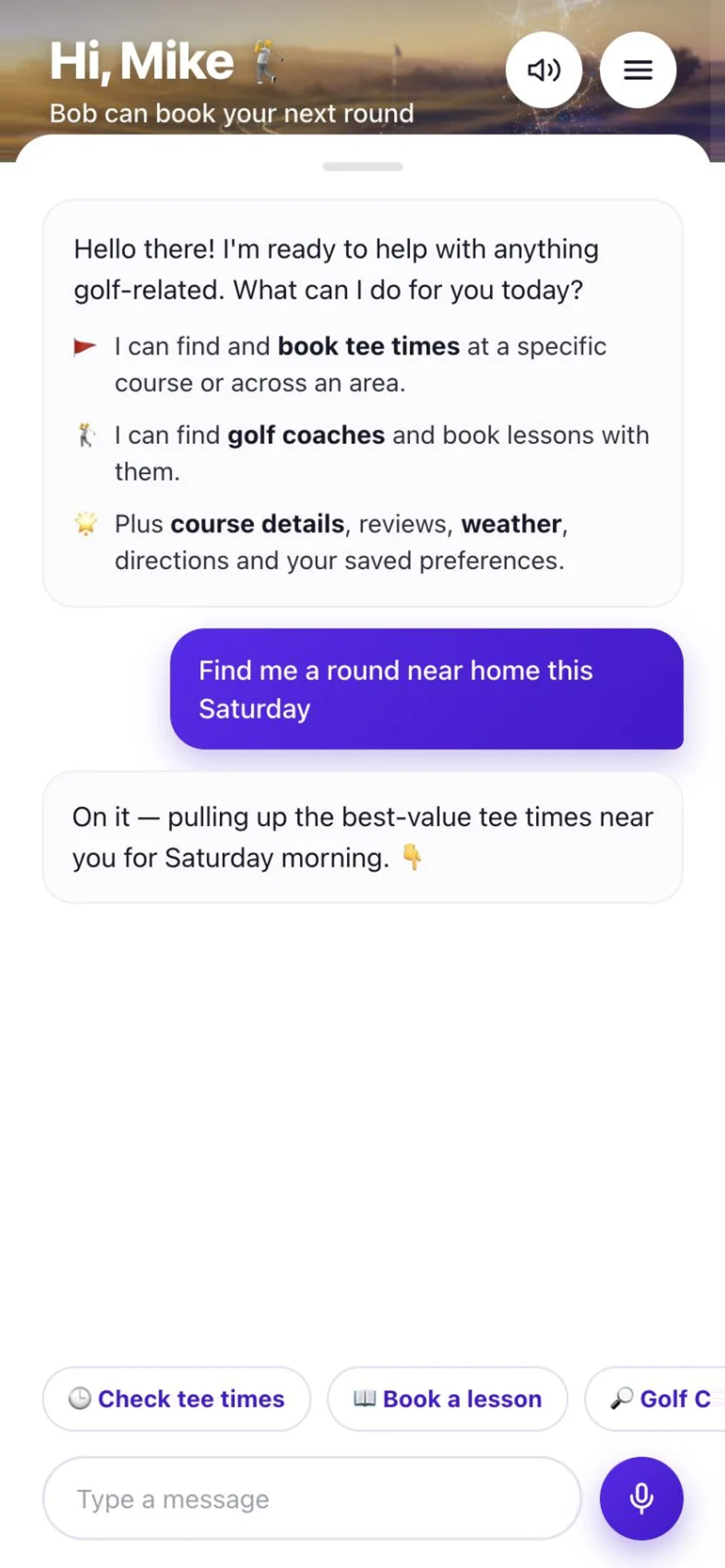
Bob says hello
What Bob can do for you
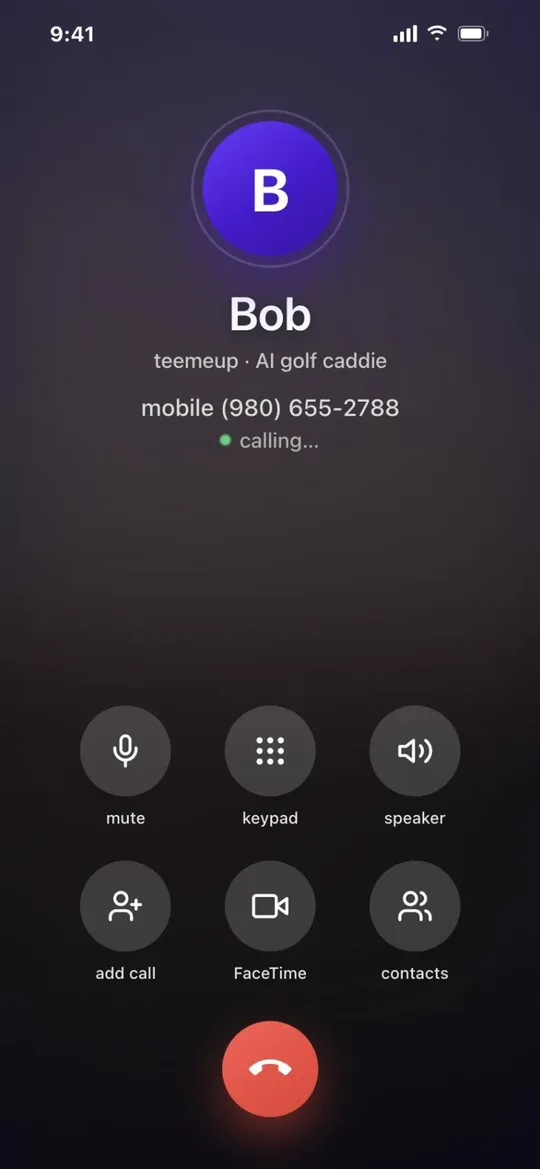
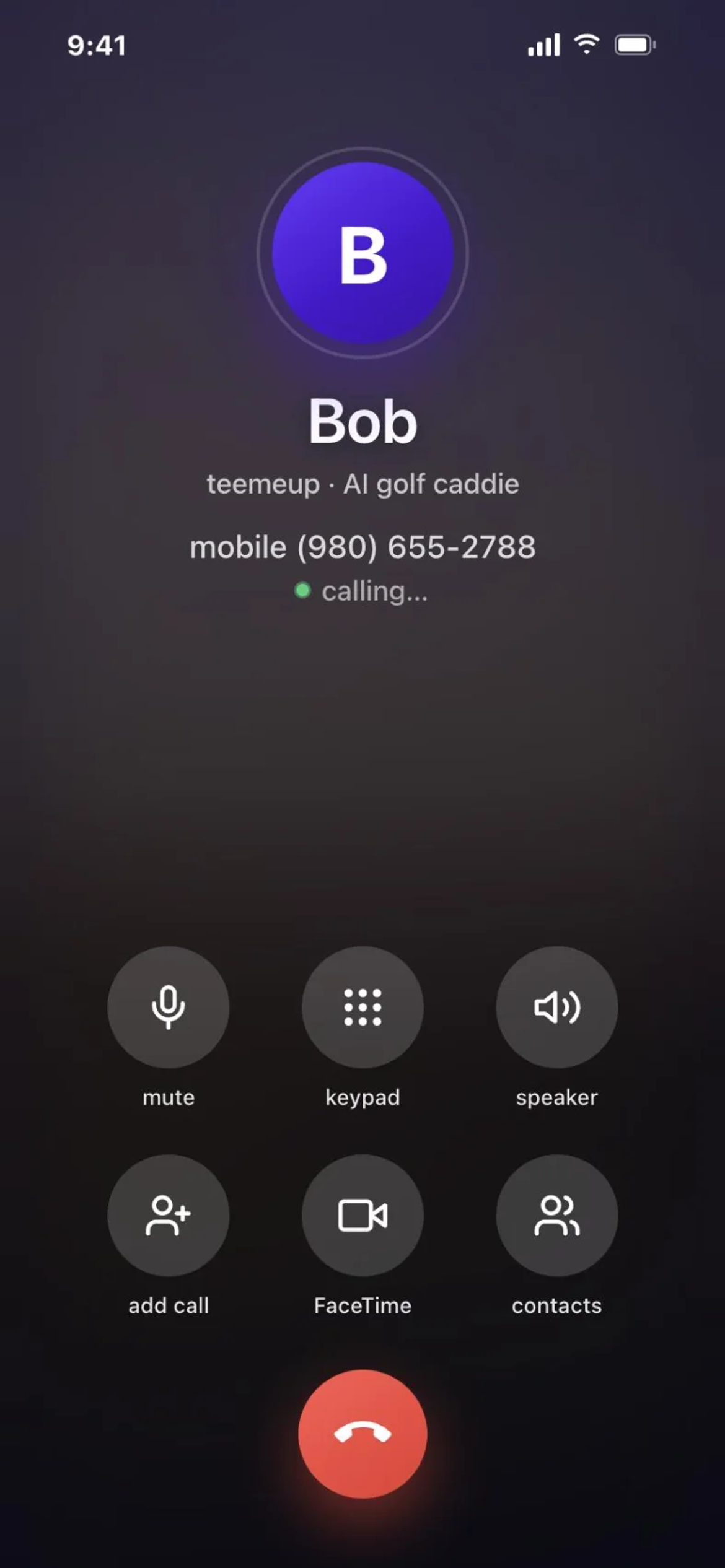
Call Bob
Book by phone, no app needed
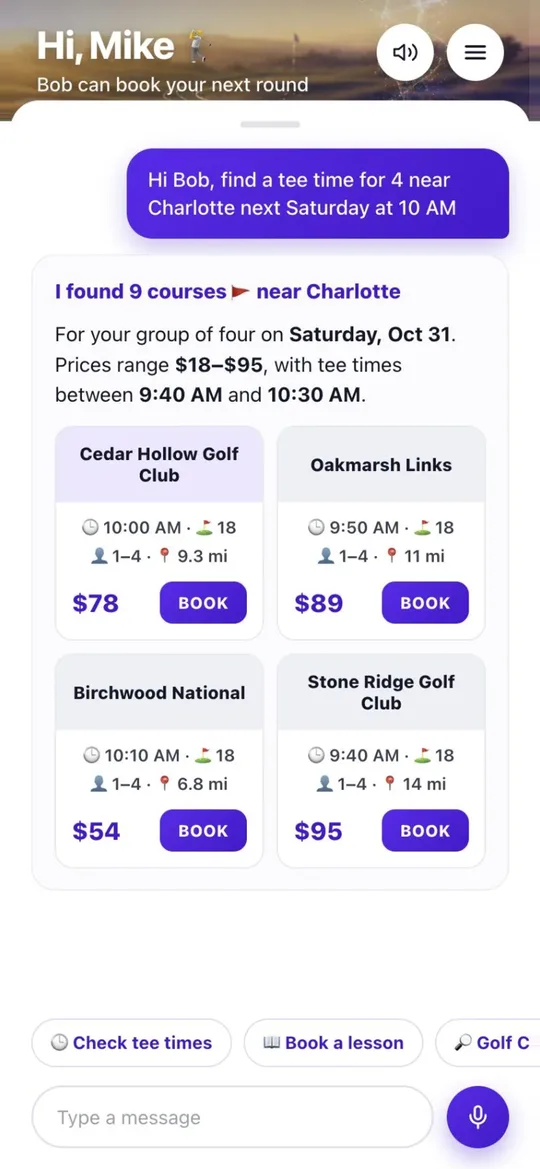
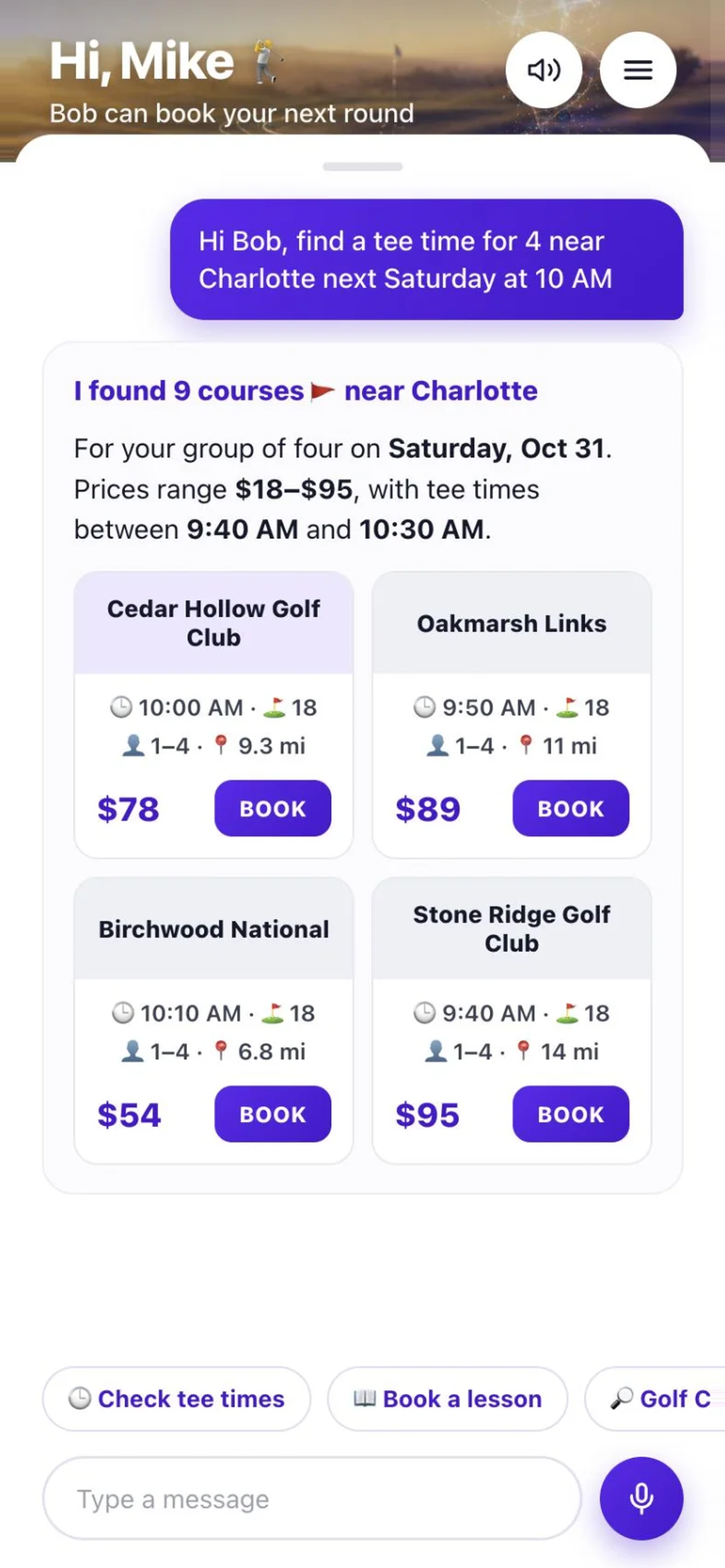
Tee time results
Courses and prices for the group
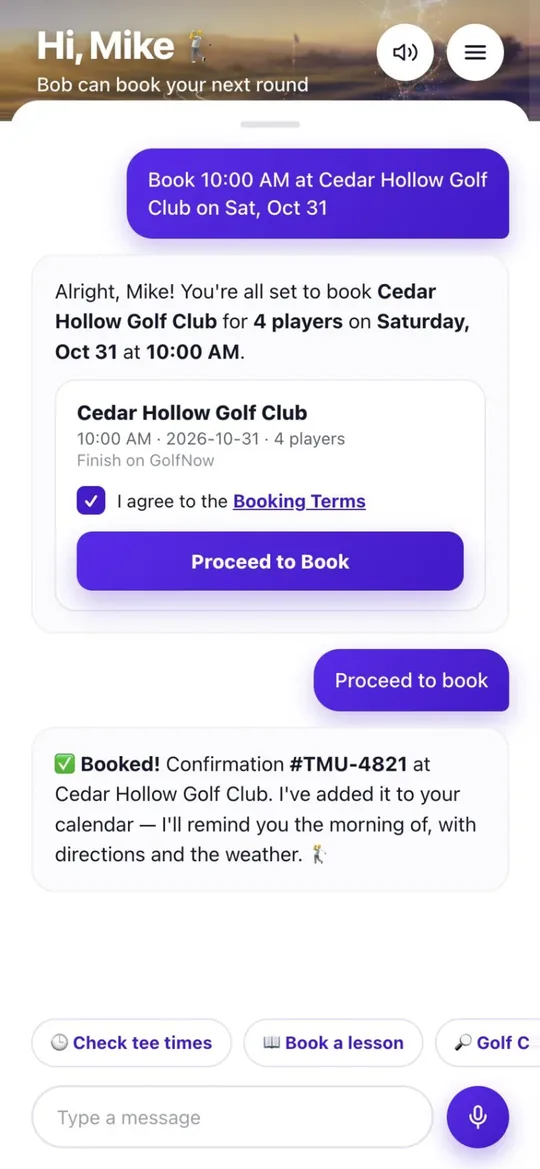
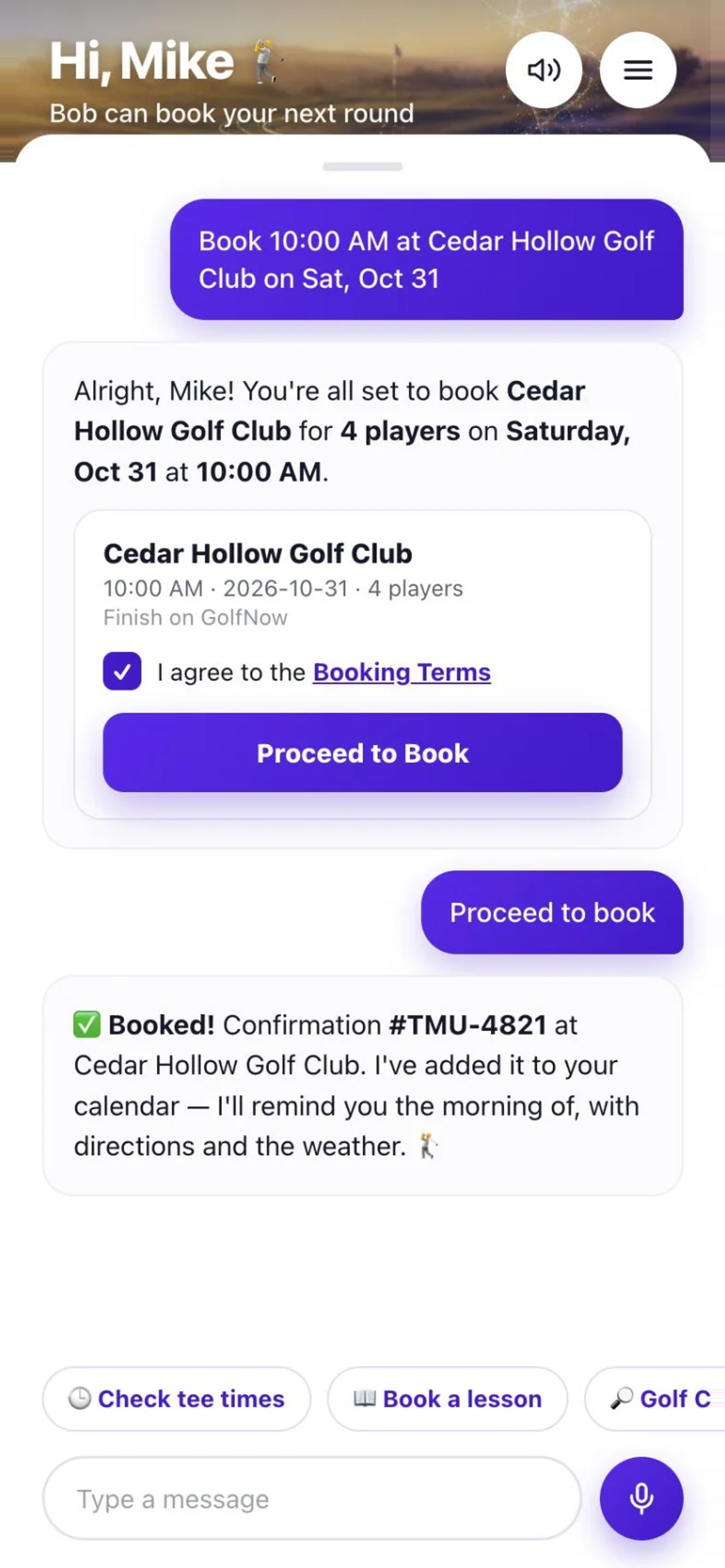
Booking confirmed
Booked in the chat
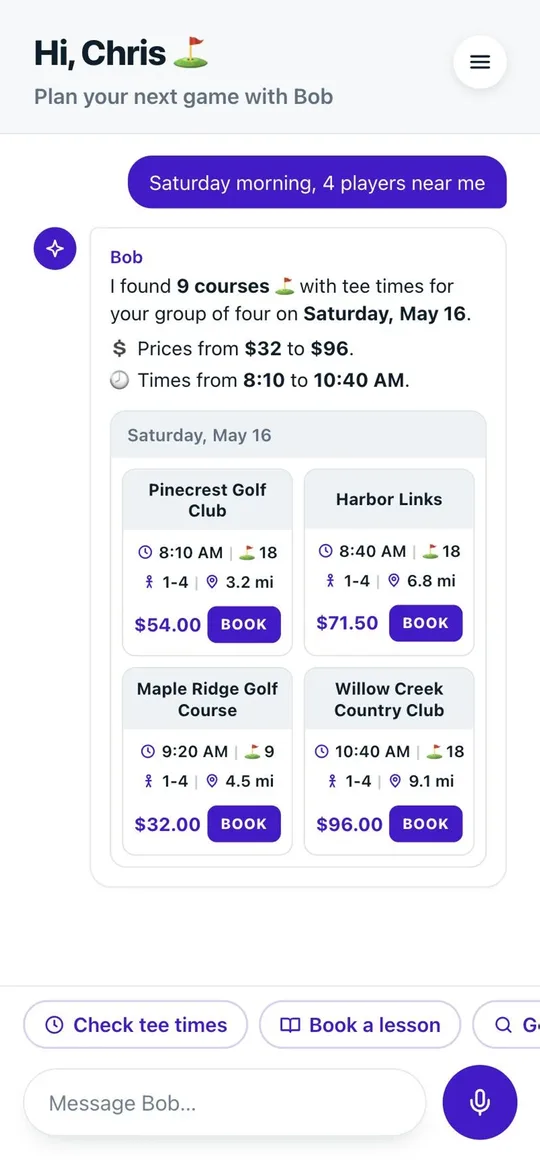
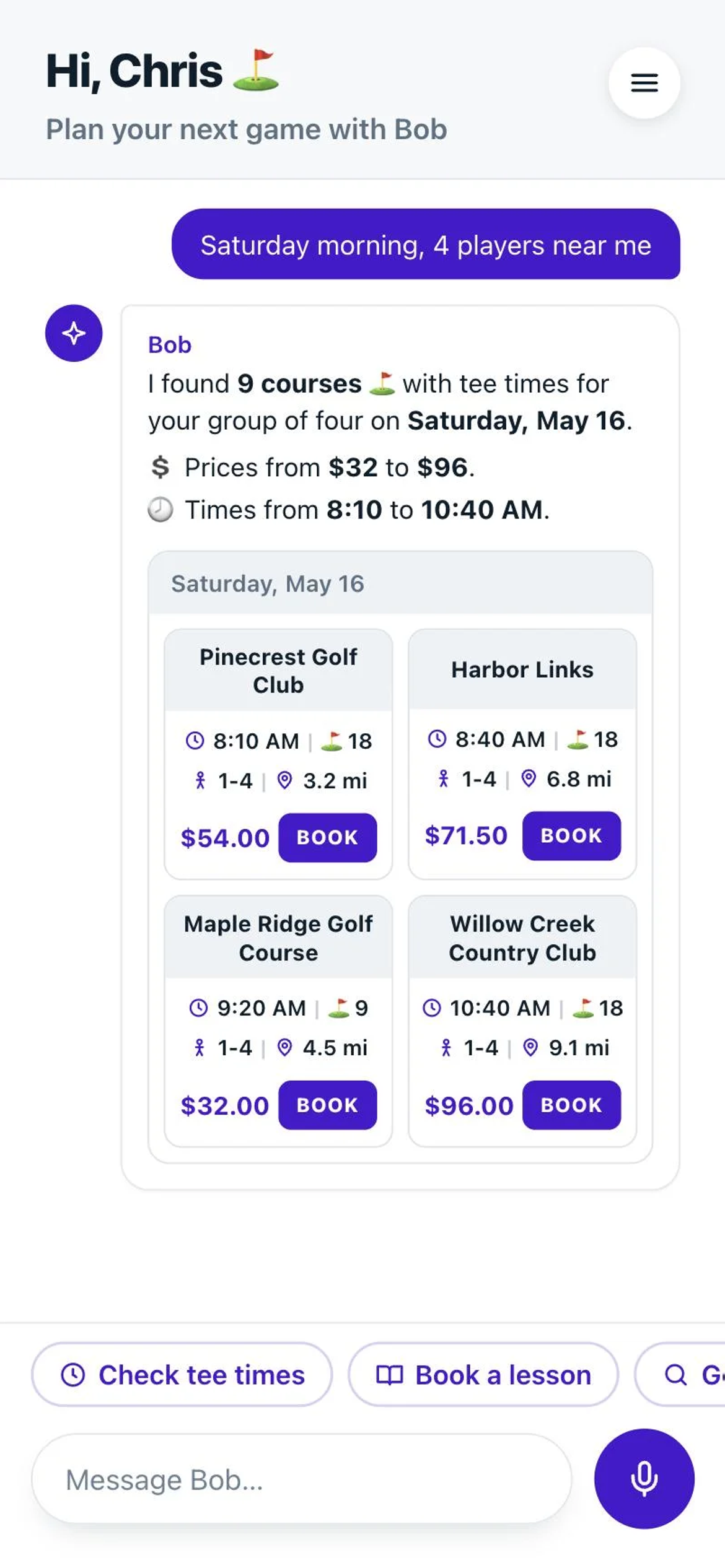
Tee times in the chat
Cards with a Book button

TeemeUp Cart
Hole view with GPS distances (coming soon)
Use the SVG files for print and anything that scales. Use the PNGs (transparent background) for slides, social posts and email.




Purple is for actions and the brand. Green means go, confirmed or live. Navy is the text and dark background. Click a colour to copy its hex code.
Rough balance in a layout: mostly white space, navy for text, purple for the one thing to tap, a little green.
The app uses the phone's own system font: SF Pro on iPhone and Mac, Roboto on Android. For decks and print, use SF Pro, or Inter where SF Pro isn't available. Hierarchy comes from weight and size, not colour.
Headline
Bold · 36px · 1.25
Title
Bold · 24px · 1.5
Body
Regular · 16px · 1.5
Label
Semibold · 14px
Overline
Semibold · 12px · +5% tracking
How to write about Teemeup so it sounds like the app.
Write “Teemeup”: one word, capital T. “Teemeup AI”, with a space, is also right when the AI caddie is the point. Never “teemeup” or “TeemeupAI”. Web addresses stay lowercase (teemeup.ai).
The assistant is always “Bob”. Bob talks in the first person, short and warm: “Where are we playing next?” Refer to Bob as a golf assistant, not as a bot.
Say tee time, round, course, players and holes. Skip “AI-powered”, “smart” and “seamless”. Questions read like a golfer asking: “Play a round today?”